

Home InternetFeatured Plan
Standard
35 Mbps
৳500 / monthVAT Included
Setup Fee: ৳0
Choose This Plan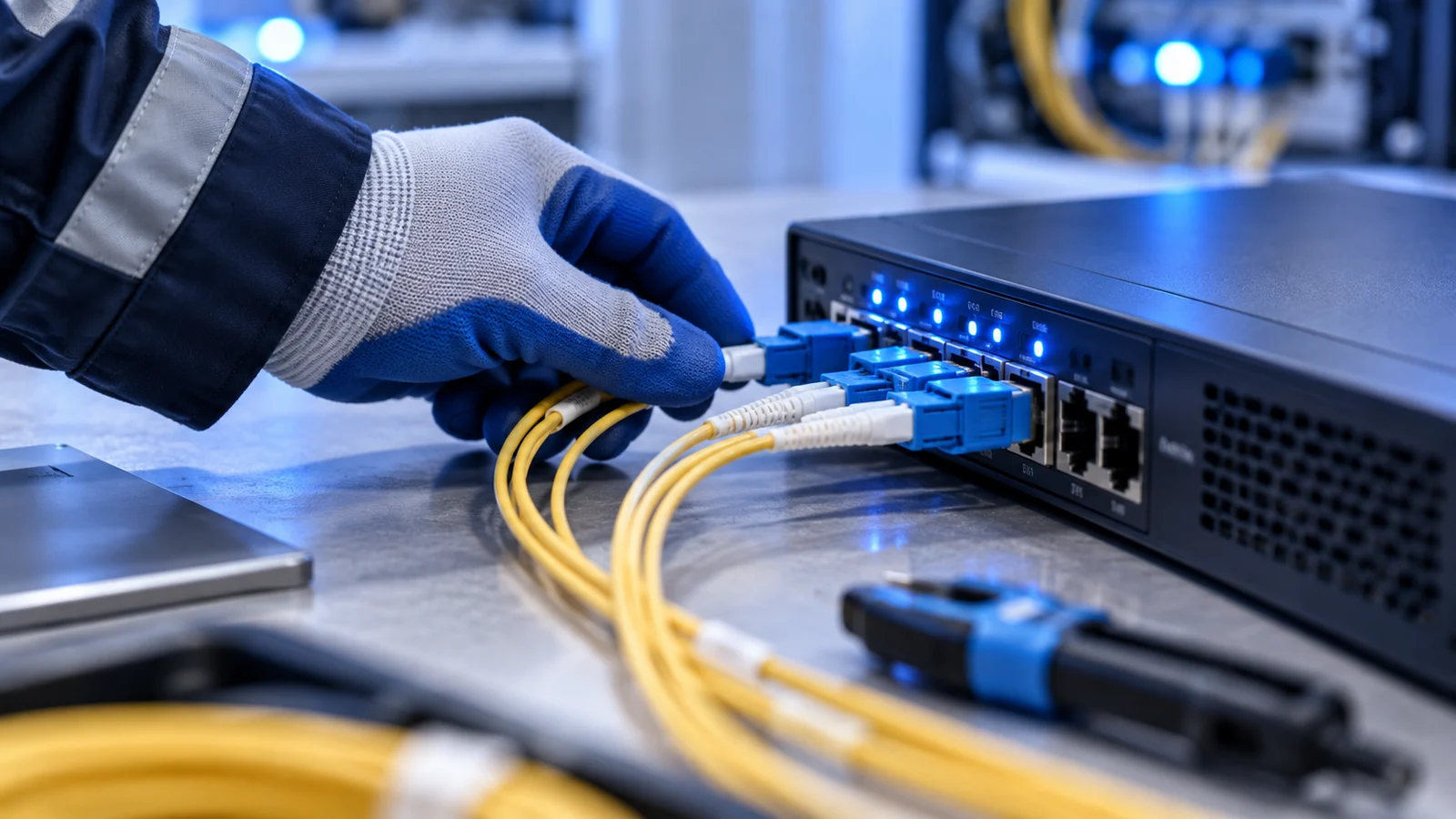
For light wight web and social media browsing and content streaming. For low device count
Setup Fee: ৳0
Choose This PlanSetup Fee: ৳0
Choose This PlanSetup Fee: ৳0
Choose This PlanSmooth and lag free browsing with HD and 4K quality content streaming
Low latency and jitter free internet connectivity to improve online gaming and audio & video call quality
With top class hardware, full optical FTTx solution, multiple upstream & IX peering and NTTN support we provide high-performance internet with high uptime
Dedicated contact center and technical teams to provide the best support service possible
We have the best affordable internet packages and solutions for home, office and business scenarios
We have multiple payment gateway support for hassle free bill payment and flexible package upgrading system
RCN provides home internet service and corporate internet service.
RCN offers a variety of home internet service packages based on speed. Please check out our packages section for more details. For corporate internet service information please contact us via website or contact center phone or email.
Currently we are providing service in any part of the Khulna division. We are expanding our coverage regularly. Please check out the coverage section for more information and updates.
You can request for a connectivity via website's package section or contact us form, directly call to our contact center or by email.
Installation costs may vary. Please keep an eye on our website or social medias for new offers and updates.
Home internet service users can pay internet bill using customer ID provided by RCN. RCN supports payment via Bkash pay bill, Nagad bill pay, Rocket bill pay and SSLCommerz payment gateway. Corporate internet service bill payment differs from home internet service.
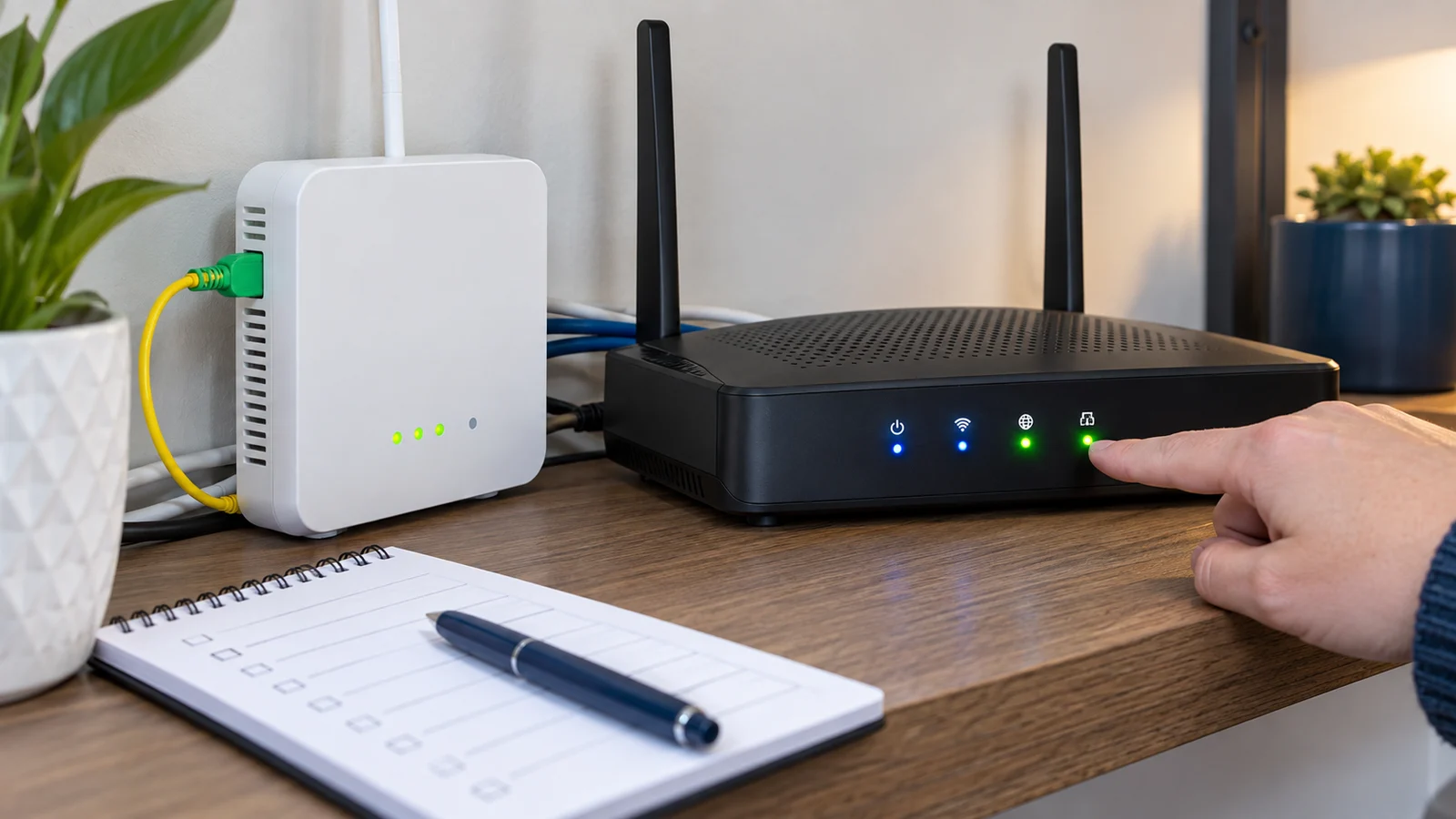
Knowing the common meaning of Power, LOS, Internet, Wi-Fi and LAN lights makes it easier to report the right issue.
Read More →
Practical tips for screen time, strong passwords, avoiding suspicious links and keeping router access secure.
Read More →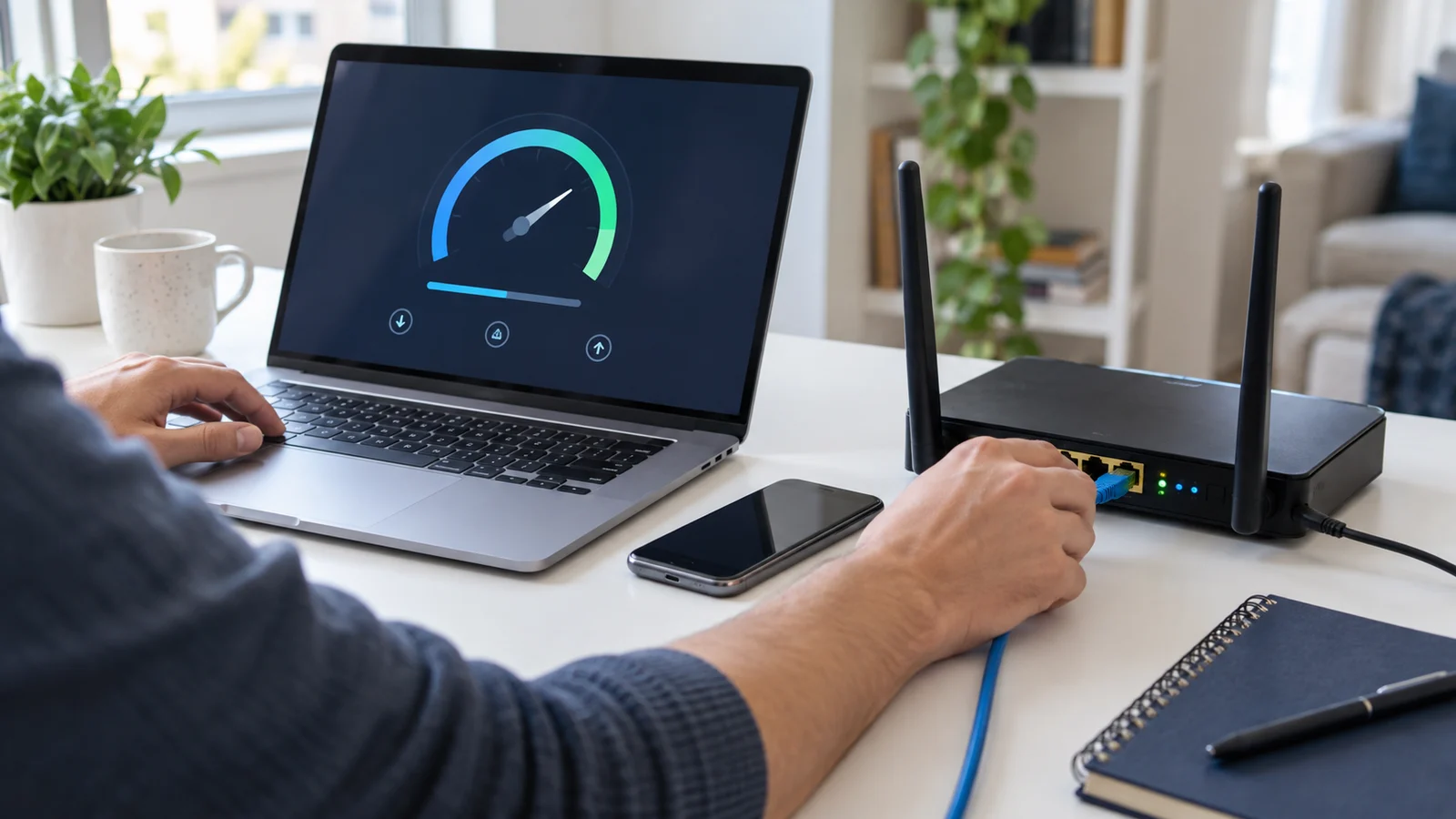
Checking the device, Wi-Fi signal, cable, router restart and speed test details helps isolate the issue faster.
Read More →